支持 QuantWeft / Support QuantWeft
让更多人读懂模型、动手验证,是 QuantWeft 持续维护的方向。反馈一个读者卡点、校对一段译文、修复一个运行问题,都是有价值的支持。
QuantWeft connects understanding models with checking them in code. Reporting a confusing explanation, proofreading a translation, or fixing a runnable example all help the course improve.
从不花钱的支持开始 / Ways to help
- 反馈问题:提交学习反馈,注明章节、题号或页面位置,以及实际情况和预期结果。
- 改进内容与代码:阅读贡献指南,提交范围明确的修改;中英文、题目与答案一起核对。
- 分享与关注:公开发布后,可以分享正式阅读入口或在 GitHub Star 收藏项目,帮助有需要的读者发现课程。
Report a reader problem through the feedback form, contribute a focused correction using the guide above, or share the official reading link once the course is publicly released. The repository currently requires authorized GitHub access; sharing a private link does not grant access.
仓库目前私有,反馈与 PR 入口需要已有的 GitHub 访问权限;分享私有链接不会自动开放访问。
自愿赞助 / Voluntary sponsorship
自愿支持将用于内容校对、双语维护、Notebook 运行环境及网页阅读体验。按许可学习和复用不要求捐助。赞助不购买投资建议、收益承诺、固定更新频率、优先修复或私人辅导。
Voluntary support will help fund proofreading, bilingual maintenance, Notebook usability, and the web reading experience. Learning and reuse under the licenses do not require payment. Sponsorship does not purchase investment advice, expected returns, guaranteed updates, priority fixes, or private tutoring.
微信与支付宝 / WeChat Pay and Alipay
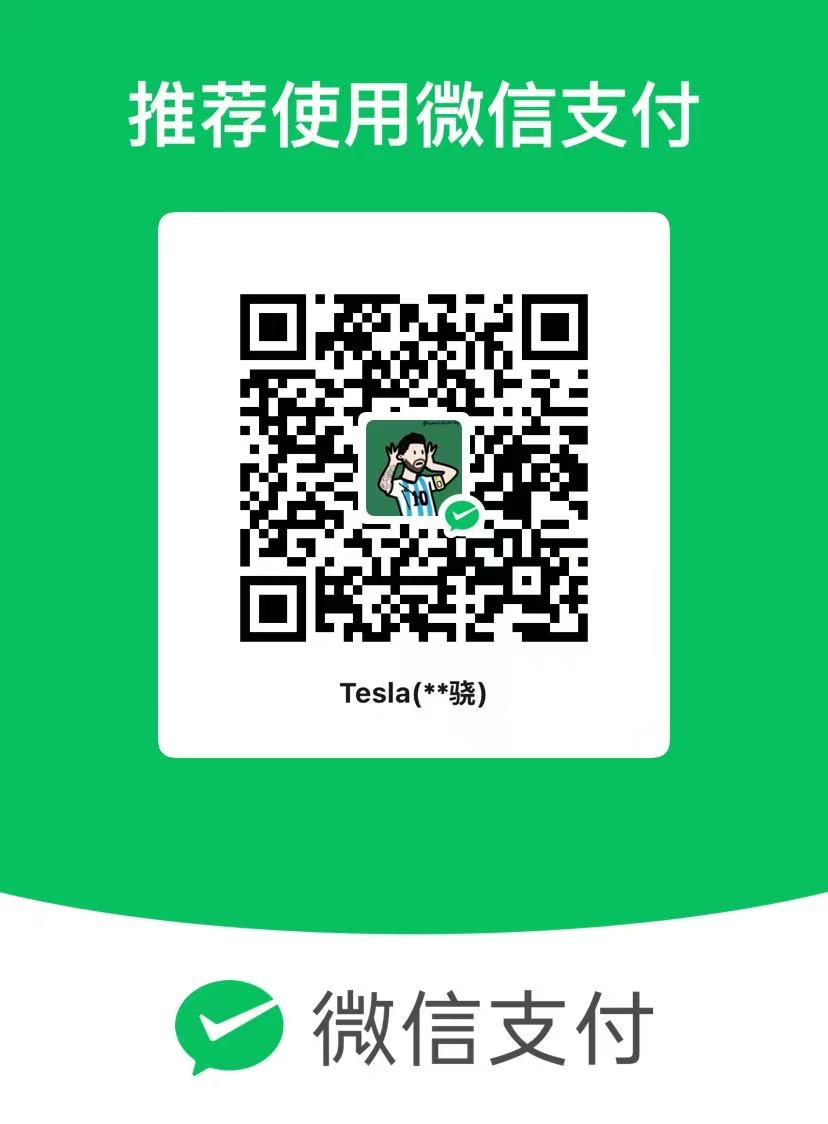
作者提供了以下收款码原图。请使用对应 App 扫码,核对收款人后再自行决定是否支付及金额。网站和仓库不处理支付,也不收集付款资料;实际收款可用性以平台提示为准。
These original QR images were supplied by the maintainer. Scan with the corresponding app and verify the recipient before choosing whether and how much to pay. The website and repository do not process payments or collect payment details. Availability depends on the provider.
| 微信支付 / WeChat Pay | 支付宝 / Alipay |
|---|---|
 |
 |
可点击图片放大,或在对应 App 中从相册识别。支付前请核对收款人及金额;若平台提示不可用,请勿继续付款。
Open either image at full size, or use the matching app's image-recognition feature. Check the recipient and amount before paying; do not proceed if the provider reports that payment is unavailable.
GitHub Sponsors
GitHub Sponsors 申请已提交,等待平台审核;当前不提供尚未上线的 Sponsors 付款按钮。Ko-fi 未配置。这里只展示作者提供的微信与支付宝收款码。
The GitHub Sponsors application is awaiting review. No inactive Sponsors payment button is shown. Ko-fi is not configured; only the maintainer-supplied WeChat Pay and Alipay codes are displayed here.
许可 / Licensing
原创代码按 MIT、原创教学内容按 CC BY-SA 4.0,范围及第三方例外见 LICENSE.md。开通赞助不会改变课程许可或替代公开前权利核查。
Original software uses MIT and original educational content uses CC BY-SA 4.0, subject to the scope and exceptions above. Enabling sponsorship does not change those licenses or replace the public-release review.
维护者:开通与接入 / Maintainer setup
- 从 GitHub Sponsors 申请入口选择自己的个人账号,按平台要求完成资料与开源贡献说明。资格及审核以平台为准,不能把尚未公开的材料描述为已经开源。
- 在平台直接完成身份、银行与税务步骤,并启用 GitHub 双因素认证。银行所在地区需与实际居住地区一致;个人资料不要提交到 Issues、PR 或本仓库。
- 完成介绍与赞助档位,审阅后申请批准。提交申请不代表页面已经可以收款。
- 页面获批并可用后,核验所属账号和正式链接,再将 配置示例复制为
.github/FUNDING.yml,仅填写已核验的渠道。同步更新本页及网站状态。
Choose your personal account in GitHub Sponsors, describe your actual open-source contributions, and follow the platform's identity, bank, tax, and two-factor-authentication steps. Complete personal forms directly on the platform. After approval, verify the active public page before enabling FUNDING.yml and updating the site. Application submission alone is not an active payment channel.
If Ko-fi is added later, use a verified account you control. Do not publish placeholder payment links. Keep payment and expense records privately; do not describe creator support as tax-deductible charitable donations without a valid basis.
GitHub Sponsors 官方设置说明 / Official setup guide · Sponsor 按钮配置 / Sponsor button